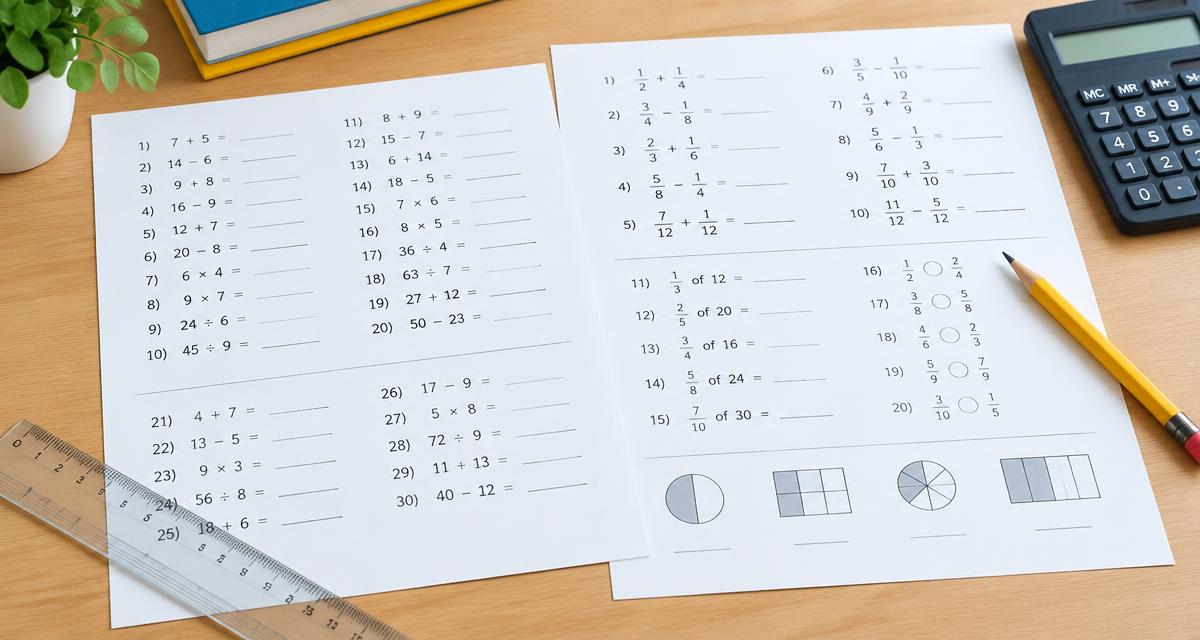
Grade 4–6Common Core (CCSS) · Math: number sense
Math · Grade 66th Grade Fractions Worksheets — Free Printable with Answer Key
More options
Worked example
- The goal: find a new value when two quantities grow at the same rate (twice as many costs twice as much).
- First find the cost of ONE unit. Example: 3 apples cost 15 kr → 1 apple = 15 ÷ 3 = 5 kr.
- Then multiply by the amount asked for: 7 apples = 7 × 5 = 35 kr.
- Answer: 35 kr. This is called proportionality – the price grows evenly with the amount.
- Check: read the question again. Does your answer give what was asked, with the right unit? Work backwards to see that it fits. ✓
Add and subtract fractions · Grade 6
Name: ____________________If 2 kg cost 30 kr, how much do 10 kg cost?
Solve: 3x + 22 = 46
Calculate: 26 ÷ 16 =
Calculate: 12 × (6 + 7) − 6 =
Solve: 8x + 20 = 108
What percentage of 40 is 30?
Calculate: 19 − (-14) =
Calculate the volume of a cuboid: 2 cm × 4 cm × 6 cm =
Calculate: 5% of 240 =
Median and mode of 28, 10, 12, 19, 23, 21, 13, 21
If 5 kg cost 35 kr, how much do 9 kg cost?
Distance 25 km, Time 1 h. Speed =
Calculate: 24 ÷ 16 =
Calculate: 3.05 · 8 =
Solve: 7x + 17 = 59
Find the value when x = 4: 9x + 7 =
Calculate: 5 − (-16) =
Triangle: base 20 cm, height 5 cm. Area =
Calculate: 40% of 55 =
Calculate the mean of 22, 21, 26, 21, 19, 15 and 16.
If 5 kg cost 110 kr, how much do 7 kg cost?
Calculate the volume of a cuboid: 12 cm × 2 cm × 5 cm =
Calculate: 28 ÷ 45 =
What percentage of 50 is 5?
Solve: 7x + 13 = 27
Distance 100 km, Time 5 h. Speed =
Calculate: -10 + (-18) =
Find the value when x = 3: 4x − 6 =
Calculate: 20% of 50 =
Calculate: 8 × 7 − 4 =
Answer key
- 1. 150 kr
- 2. x = 8
- 3. 2
- 4. 150
- 5. x = 11
- 6. 75%
- 7. 33
- 8. 48 cm³
- 9. 12
- 10. median 20, mode 21
- 11. 63 kr
- 12. 25 km/h
- 13. 3
- 14. 24.4
- 15. x = 6
- 16. 43
- 17. 21
- 18. 50 cm²
- 19. 22
- 20. 20
- 21. 154 kr
- 22. 120 cm³
- 23. 516
- 24. 10%
- 25. x = 2
- 26. 20 km/h
- 27. -28
- 28. 6
- 29. 10
- 30. 52
Topics on this worksheet
Areas on this sheet
- Algebra · 4
- Geometry · 2
- Probability and statistics · 1
Step 1 of 5
Choose an area
Your choices
- Area
- Fractions
- Exercise type
- Add and subtract fractions
- Grade
- 6 (ages 11–12)
- Difficulty
- Easy
- Number of tasks
- 30
- Task format
- Calculations
- Paper size
- US Letter
Your choices
- Area
- Fractions
- Exercise type
- Add and subtract fractions
- Grade
- 6 (ages 11–12)
- Difficulty
- Easy
- Number of tasks
- 30
- Task format
- Calculations
- Paper size
- US Letter
More options
Add fractions with different denominators, with answers simplified or written as mixed numbers.
How to use the tool
- Pick a difficulty: easy, medium or hard.
- Choose how many problems you want (10, 20 or 30).
- Print or save as PDF. “Create new version” gives brand-new problems with the same settings.
About this generator
By sixth grade students should add fractions with unlike denominators by finding a common denominator and simplifying the result. Every sheet has a separate answer key calculated by the website, so answers always match the problems. Free, no sign-up, US Letter by default.
Popular uses
- Fraction review
- Homework
- Warm-ups
- Test prep
More math worksheets by topic
- Percentage worksheets
- Fraction worksheets
- Equation worksheets
- Algebra worksheets
- Decimal worksheets
- Time worksheets
- Area and perimeter worksheets
- Statistics worksheets
- Division worksheets
- Subtraction worksheets
- Volume worksheets
- Unit conversion worksheets
- Mean and median worksheets
- Multi-step maths worksheets
- Pythagorean theorem worksheets
- Linear function worksheets
- Proportion worksheets
- Interest worksheets
- Exponent and square root worksheets
- Systems of equations worksheets
- Mixed math review (ages 14–16)
- Math worksheets grade 1
- Math worksheets grade 2
- Math worksheets grade 3
- Math worksheets grade 4
- Math worksheets grade 5
- Math worksheets grade 6
- Math worksheets grade 7
- Math worksheets grade 8
- Math worksheets grade 9
- Math worksheets grade 10
- Math worksheets grade 11
- Math worksheets grade 12
- Quadratic function worksheets
- Trigonometry worksheets
- Exponential function worksheets
- Logarithm worksheets
- Arithmetic sequence worksheets
- Derivative worksheets
- Integral worksheets
- Vector worksheets
- Standard deviation worksheets
- Sine and cosine rule worksheets
- Polynomial equation worksheets
- Inequality worksheets
- Circle equation worksheets
- Math worksheets ages 6–8 (grades 1–2)
- Math worksheets ages 8–10 (grades 2–4)
- Math worksheets ages 10–12 (grades 4–6)
- Math worksheets ages 12–14 (grades 6–8)
- Math worksheets ages 14–16 (grades 8–10)
- Weekly math worksheet
- 2nd grade addition and subtraction worksheets
- 3rd grade multiplication worksheets
- 4th grade fractions worksheets
- Long division worksheets
- 5th grade decimals worksheets
- 6th grade equations worksheets
- Pre-algebra worksheets
Frequently asked questions
- How do I pick the right level?
- Choose an age or grade in step 2. Start easier if the pupil is unsure – you can switch anytime and get new problems instantly.
- Can I see the problems before printing?
- Yes. The sheet shows exactly the problems that will print. Click New problems to swap them.
- How do I include an answer key?
- Turn on Answer key in the last step. It prints on its own page after the problems, with the same numbering.
- What does the question mark next to a problem do?
- It opens a step-by-step explanation of the method on screen. It is not printed and does not reveal the answer.
- How do you add fractions with different denominators?
- Rewrite both with a common denominator, add the numerators, then simplify.
- Are answers simplified?
- Yes, and answers greater than 1 are shown as mixed numbers.